Follow links in both directions.
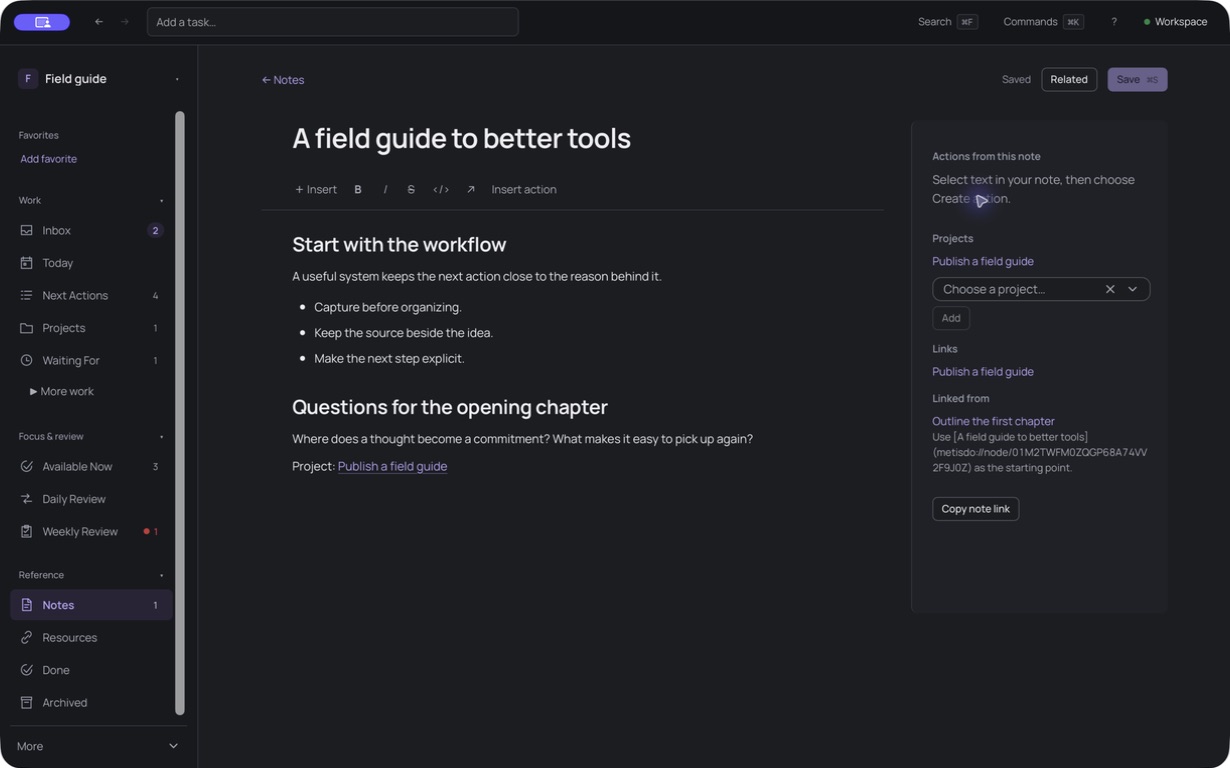
Connect Notes with Actions and Projects. Follow backlinks to see where your ideas are being used.
Put Getting Things Done (GTD) into practice: capture tasks, clarify next actions, and review your projects. Keep supporting notes linked and your Workspace on your own disk.
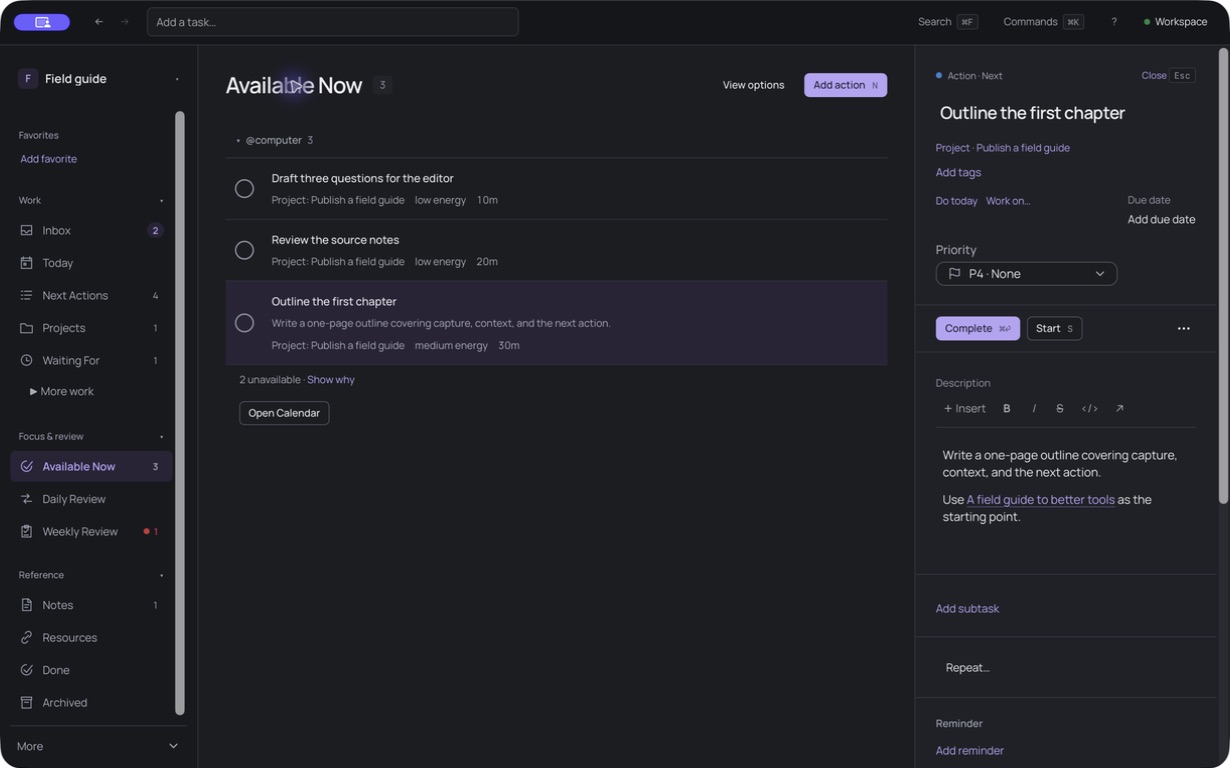
Available Now lists Actions you can start. The Inspector holds the selected Action’s details.
Unretouched screenshots of the current macOS development build, with sample data. Select an image to view it at full size.
Work through your Inbox, choose a next Action for each Project, and revisit your commitments in a Weekly Review. Keep research and decisions alongside the work they support.
One outcome. Its next step. The thinking behind it.
Connect Notes with Actions and Projects. Follow backlinks to see where your ideas are being used.
Available Now narrows Actions by context, time, energy, and dependencies. Keep Waiting For and Someday/Maybe out of the way of what you can do.
Capture to your Inbox, clarify each commitment, then revisit the whole system in daily and weekly reviews.
Navigate from the keyboard, write a plugin, or connect an agent to your open Workspace.
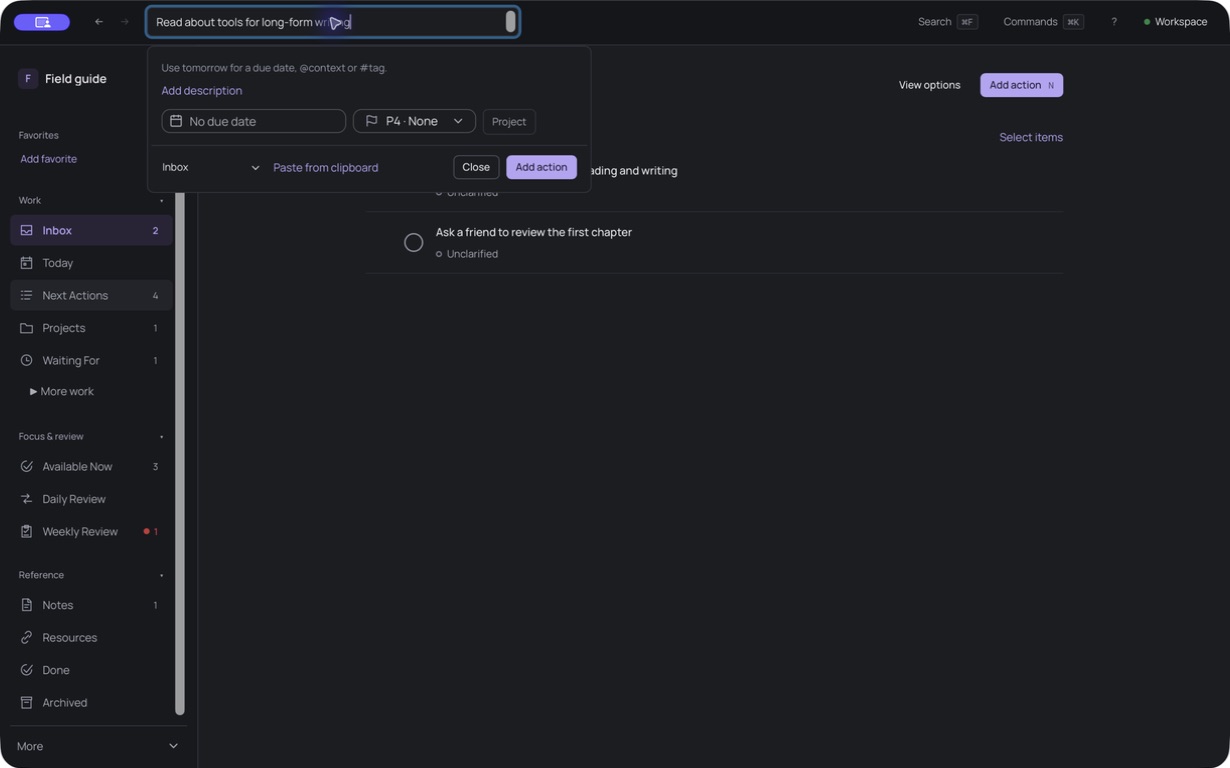
Open the Command Palette, capture an Action, or jump straight to Available Now. Navigate lists with j and k, then act on the selection.
Install your own Lua plugins. Work through the same Catalog operations and queries that power the interface.
Give your tools access to the open Workspace. Destructive operations still go through approval in the app.
Choose a directory. Your Actions, Projects, Notes, and verified revision history live there.
Inspect history, revisit checkpoints, and recover archived work. Export your content or create a native snapshot for backup and restoration.
What local-first means hereYour durable content stays in the folder you choose.
It’s a to-do app built around Getting Things Done (GTD), with linked Notes. Actions are the steps you can take, Projects are outcomes that need more than one step, and Notes hold the research and reference material that support them.
No. Notes and Action descriptions use rich editing backed by Markdown, but the Workspace also has structured data and verified revision history. It is not a folder of freely editable Markdown files. Use exports for portable content and native snapshots for backup and restoration.
Metisdo has keyboard navigation and shortcuts. It does not currently offer a Vim editing mode.
The desktop app targets macOS, Windows, and Linux. A Chromium browser preview works with a local folder you grant access to, with fewer platform capabilities. Lua plugins, MCP, and global capture are desktop-only. Public installers have not been announced.
Availability and pricing are still being decided. Join the waitlist to receive an email when Metisdo is ready to try.
Get an email when early access opens.
Get early access